 DOVERIQ
TapMenu for restaurants and cafés
From menu to service, a clearer journey.
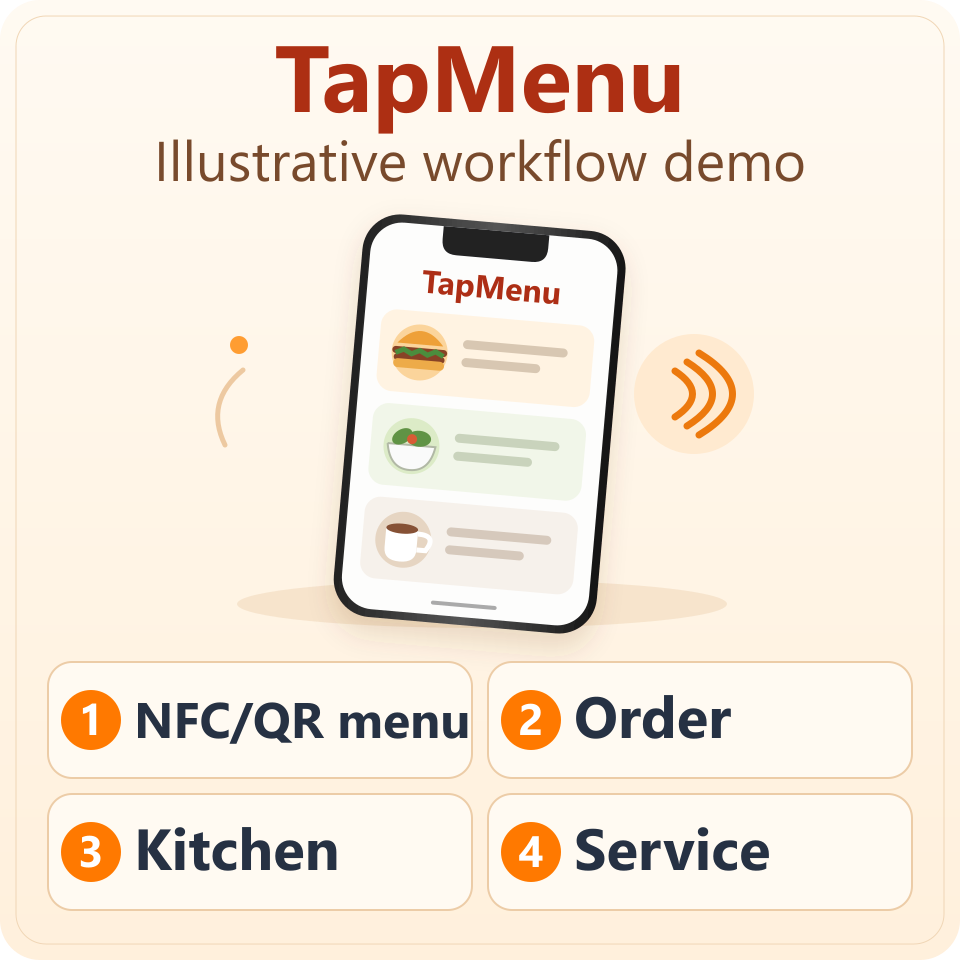
Explore the NFC/QR → order → kitchen → service demo.
- NFC/QR menu
- Order
- Kitchen
- Service
Workflow demonstration • In development for a pilot
AI works. You lead.
Start where the customer is.
The approved direction starts with NFC/QR menu access at a table or ordering point, without requiring a customer app.
Make the next team action clear.
Explore order choices, kitchen preparation stages and waiter coordination in the demonstration. A connected operational workflow still requires pilot validation.
Match the service model.
Table service involves table and guest coordination. Takeout/queue operation needs an organized path from ordering to collection. Both belong to the approved product direction.
Keep language part of the journey.
EN/FR/AR are part of the direction. Customer and staff interfaces used in a pilot must be validated together.
Know what comes next.
TapMenu is intended as an operational layer above an existing POS. Specific POS integrations are later work; online payment is outside the initial release direction.
Questions before you begin
Can I use TapMenu in my restaurant today?
General availability has not been announced. Contact DOVERIQ to discuss the pilot stage and suitability.
Does it connect to my POS?
No specific connection is promised. Compatibility and integration require verification.
Does the website demo send real orders?
No. It demonstrates a journey, not a live restaurant order connection.
Where trust meets intelligence.
Your business keeps moving, even when you step away.
AI supports your team. Judgment and leadership remain human.
AI works. You lead.